Cloud services usually follow a shared responsibility model: the provider manages the service platform and parts of the underlying environment, while the customer manages how the service is used, including accounts and data. The division varies between SaaS, PaaS and IaaS, and between individual products.
SaaS, PaaS and IaaS: who manages what?
Generally, the closer a service is to ready-to-use software, the more of the underlying platform the provider manages. Your business remains responsible for its data, accounts and usage settings.
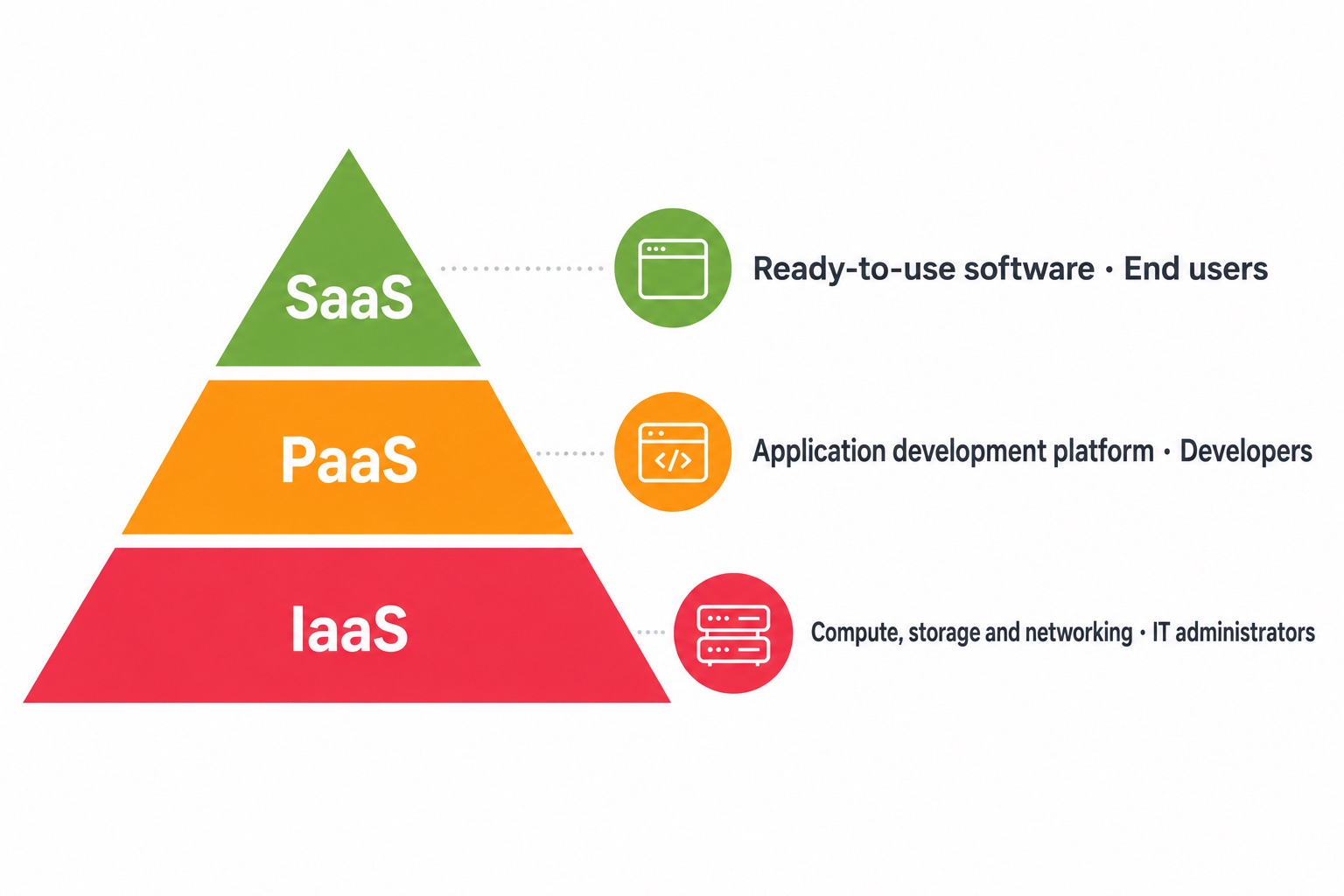
Identify the type of service you use
A ready-to-use web application is generally closer to SaaS. Deploying your own application on a managed platform can shift the split. With a virtual server, your team usually manages more system settings. These are broad categories; check each product’s official responsibility guidance and contract.
What your business still needs to check
- Accounts and identities: who can sign in, who has administrative access, and how access is removed when someone leaves.
- Data and sharing: what is stored, who can share it externally, and how links and downloads are controlled.
- Settings: whether administrators’ choices for sign-in protection, alerts and logs fit the business.
- Backup and recovery: what recovery options the service provides and whether your business needs separate retention or restore processes.
- Devices and networks: how the computers and connections used to access cloud services are managed.
Write down who is responsible for each item
Create a service list that names the provider-managed areas, the settings or checks your business owns, the person responsible and the date last reviewed. If anything is unclear, consult the product’s official documentation or ask the provider. Do not assume one provider’s responsibility split applies to every SaaS product.
For example, Microsoft’s official Azure documentation describes how responsibilities differ by cloud service model and notes that customers still manage data, identities and access. This describes Azure and should not be treated as a promise from other providers.
Review backup needs separately
A provider’s availability or platform recovery may not meet your business’s data retention and restore needs. Confirm what needs to be backed up, how long it must be kept, who can restore it and whether restores are tested. See the business backup and disaster recovery guide, then check the documentation for each service.
Clear ownership reduces delays during changes and incidents. Every service should have a business owner who knows where to find its official configuration and support information.